 ConsultingHomeTimeTasksProjectsInvoices
0:47:03
ConsultingHomeTimeTasksProjectsInvoices
0:47:03Harbor Health Partners · Strategic plan 2027
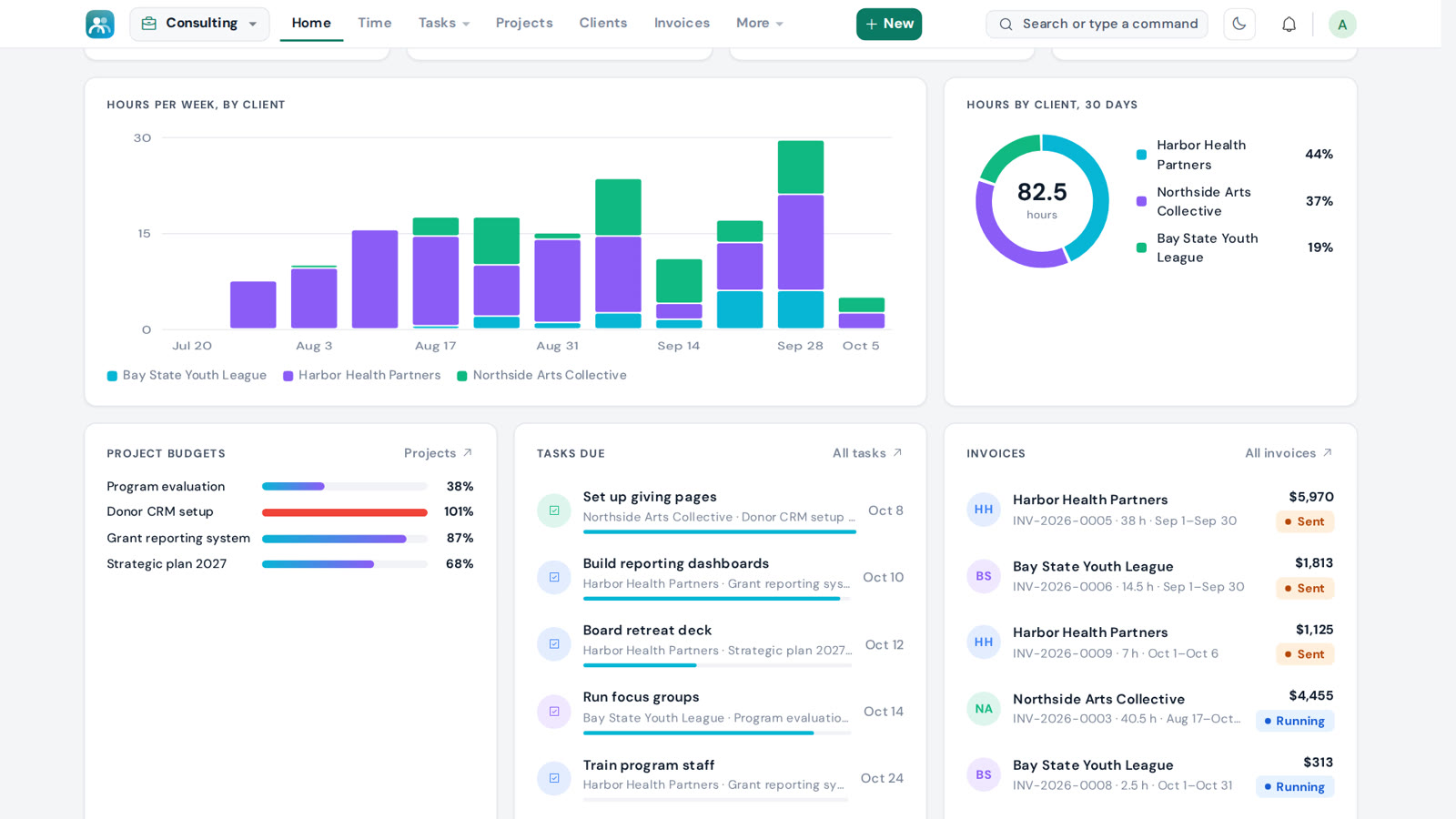
- Harbor Health 42%
- Northside Arts 38%
- Bay State Youth 20%
Harbor HealthSep 1 – Sep 30
$5,970PaidBay State YouthSep 1 – Sep 30
$1,813SentNorthside ArtsAug 17 – Oct 6
$4,455RunningTime tracking · Projects · Contracts · Invoices · Payments
Track your time.
Bill in one click.
Servanza for Consultants keeps your clients, projects, hours, contracts and invoices in one place, built for independent consultants.
See it in 50 seconds.
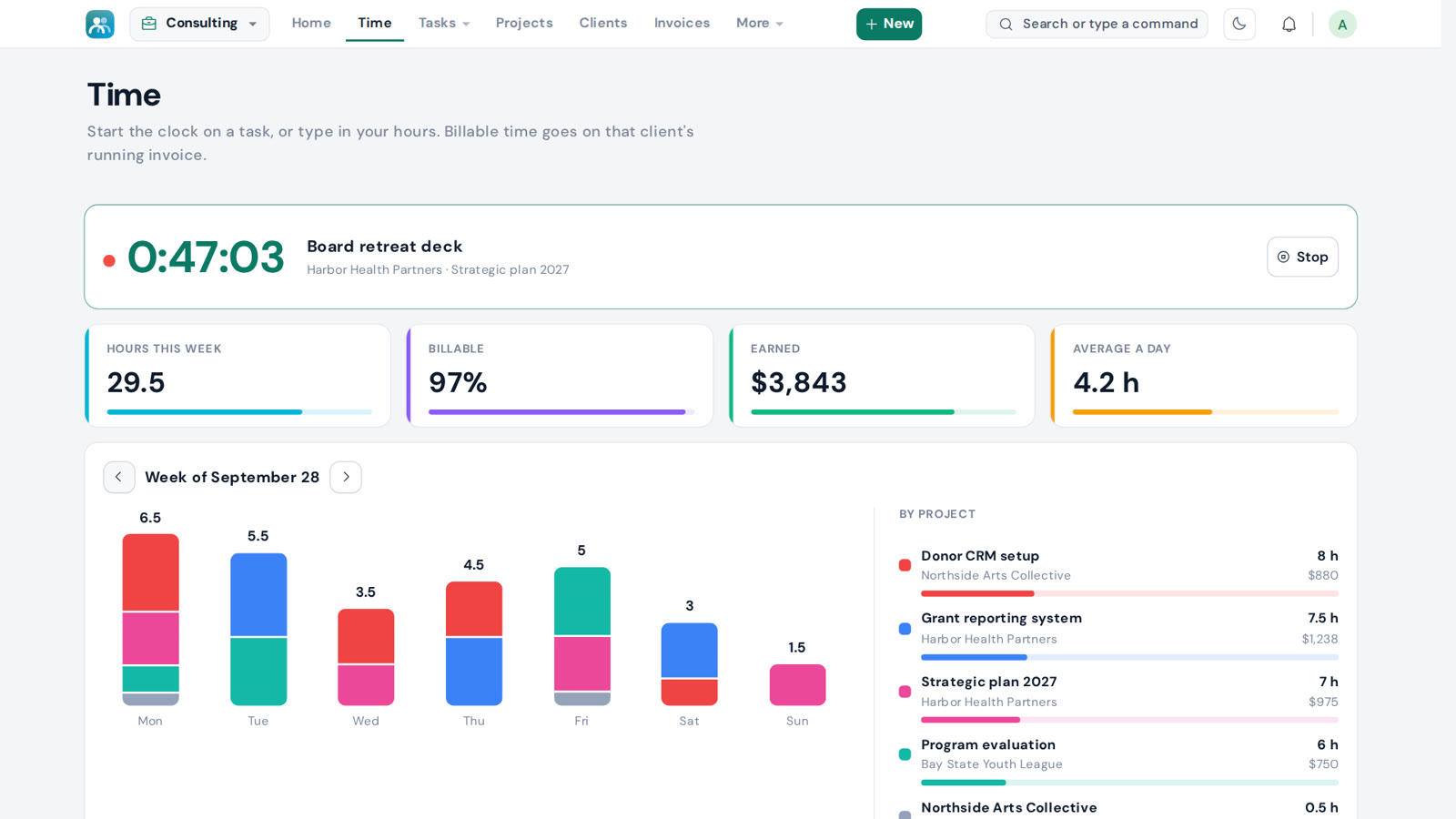
Press play. The clock runs.
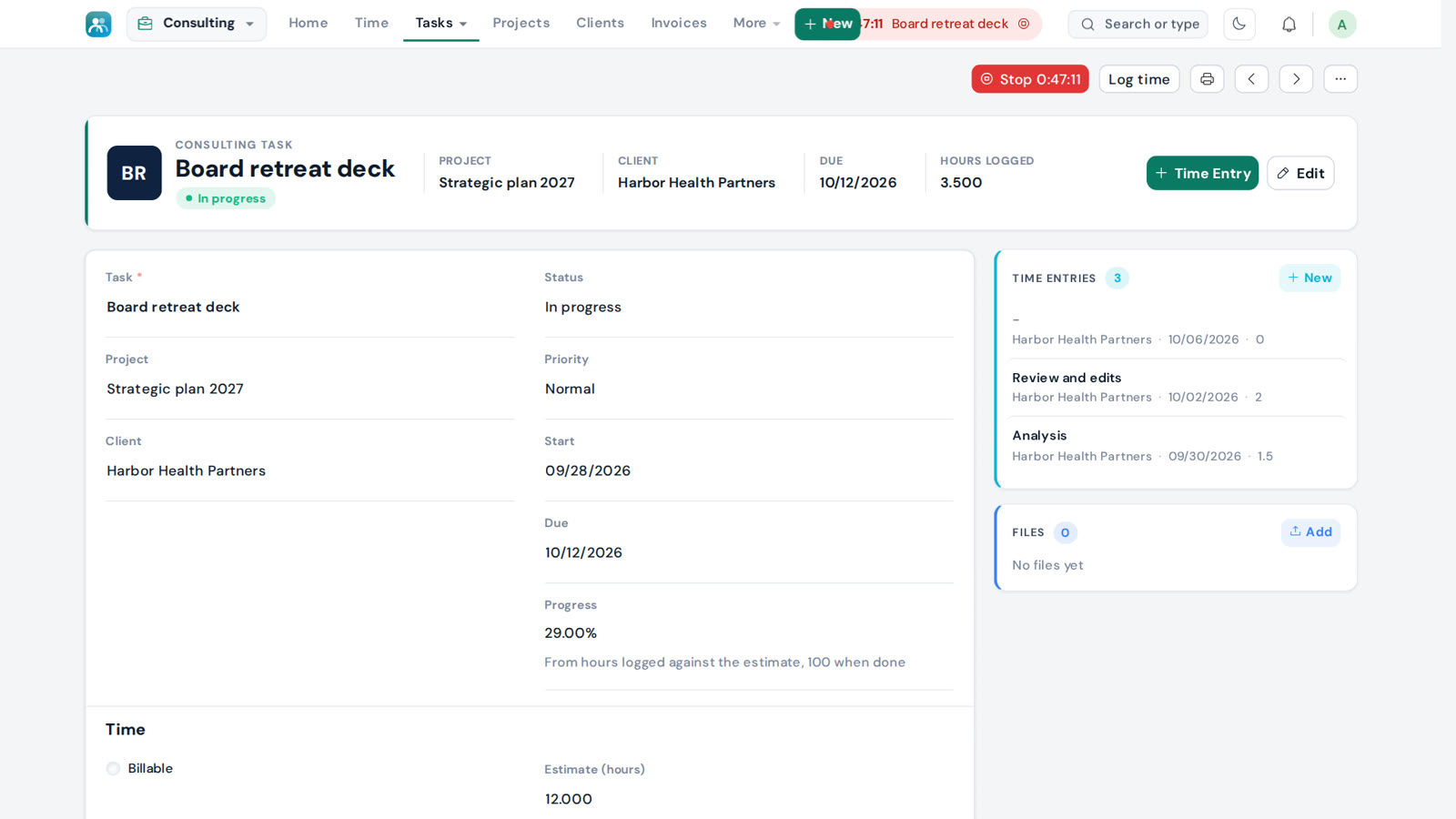
One button on any task starts the clock, and stopping it logs the time to the task, the project and the client. Prefer typing your hours in? That works too.
Plan every project.
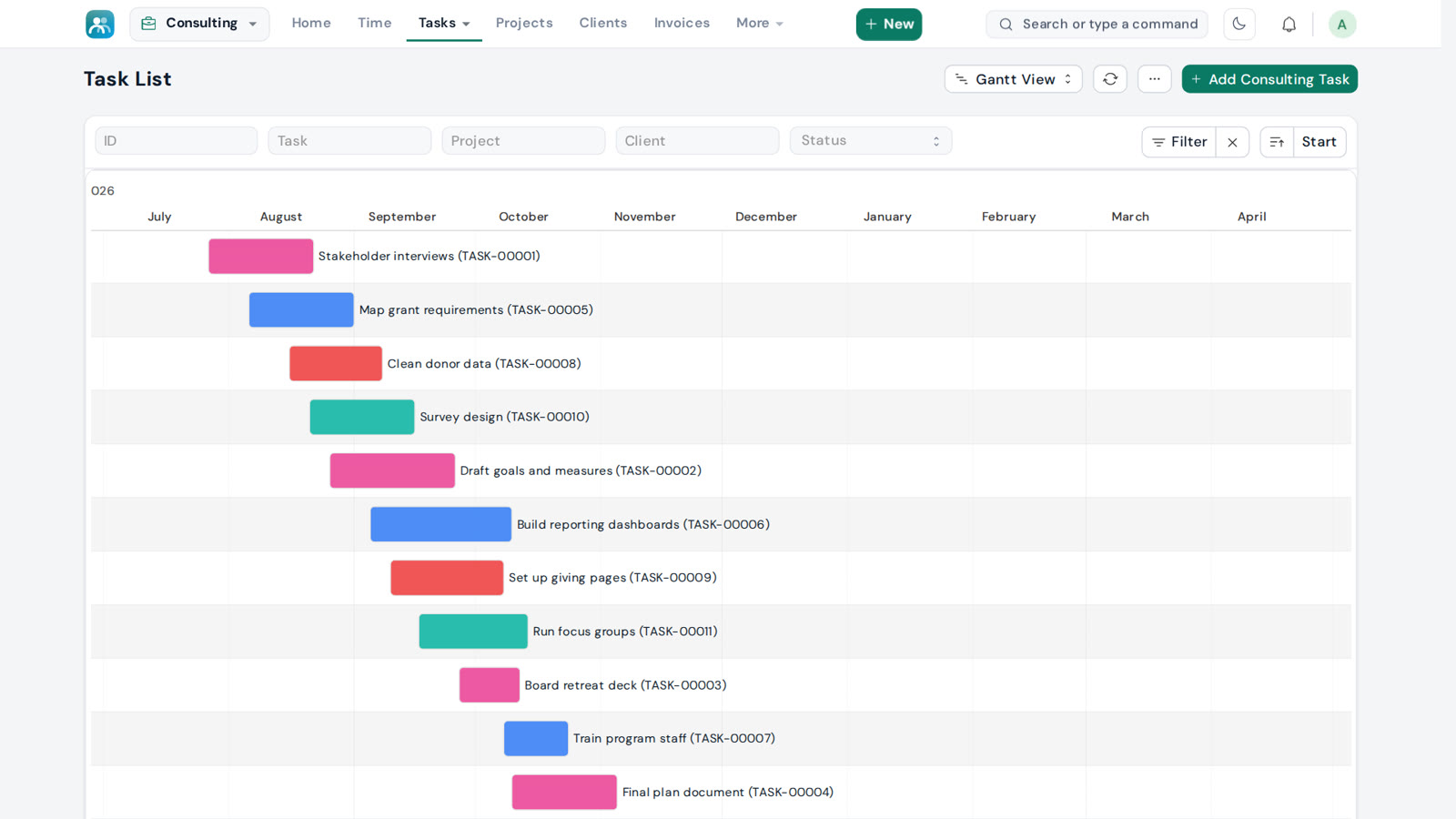
Tasks with dates, estimates and progress, on a list or a timeline. Each project has its own color, and hours used are shown against the budget.
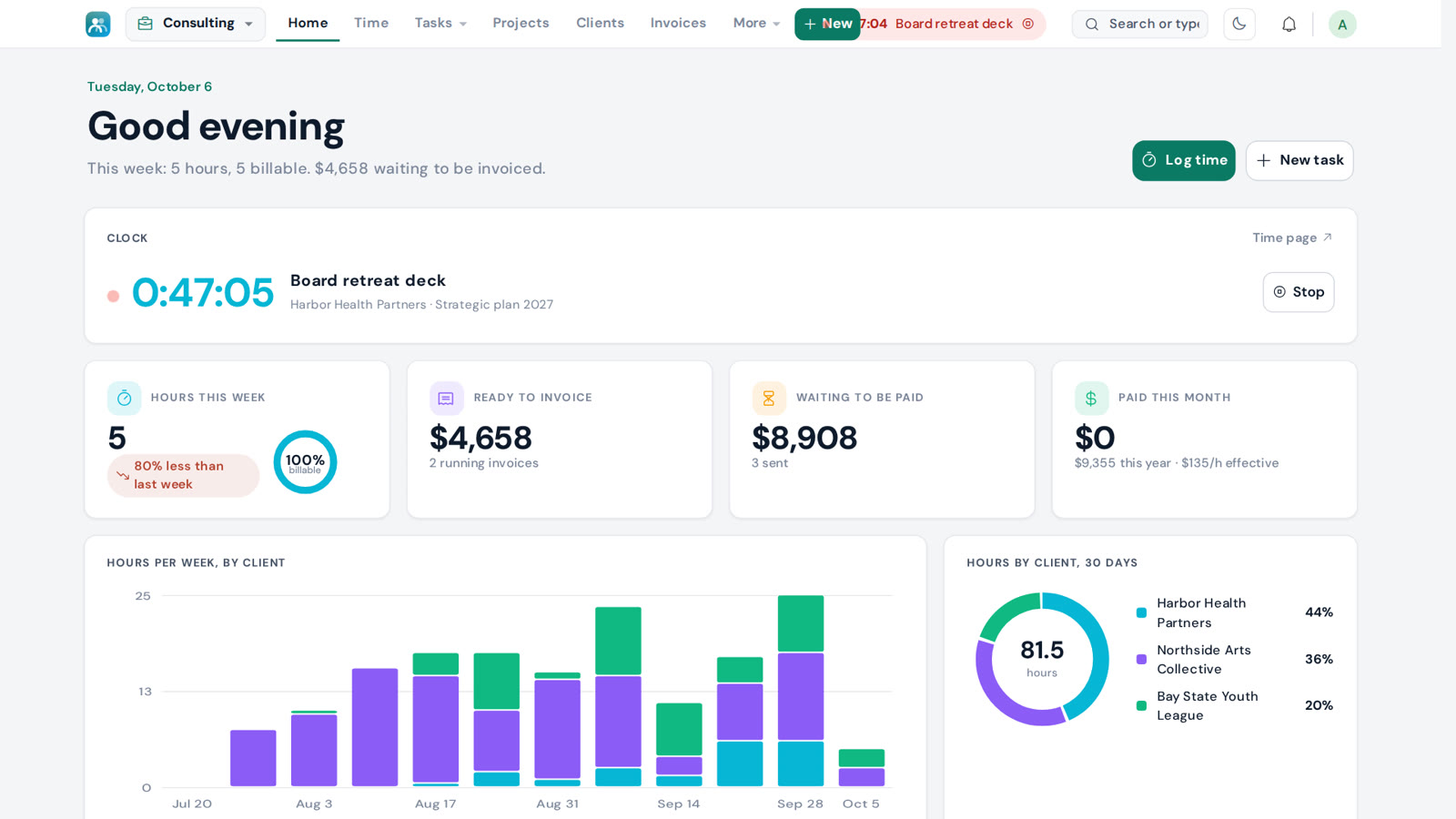
Your practice at a glance.
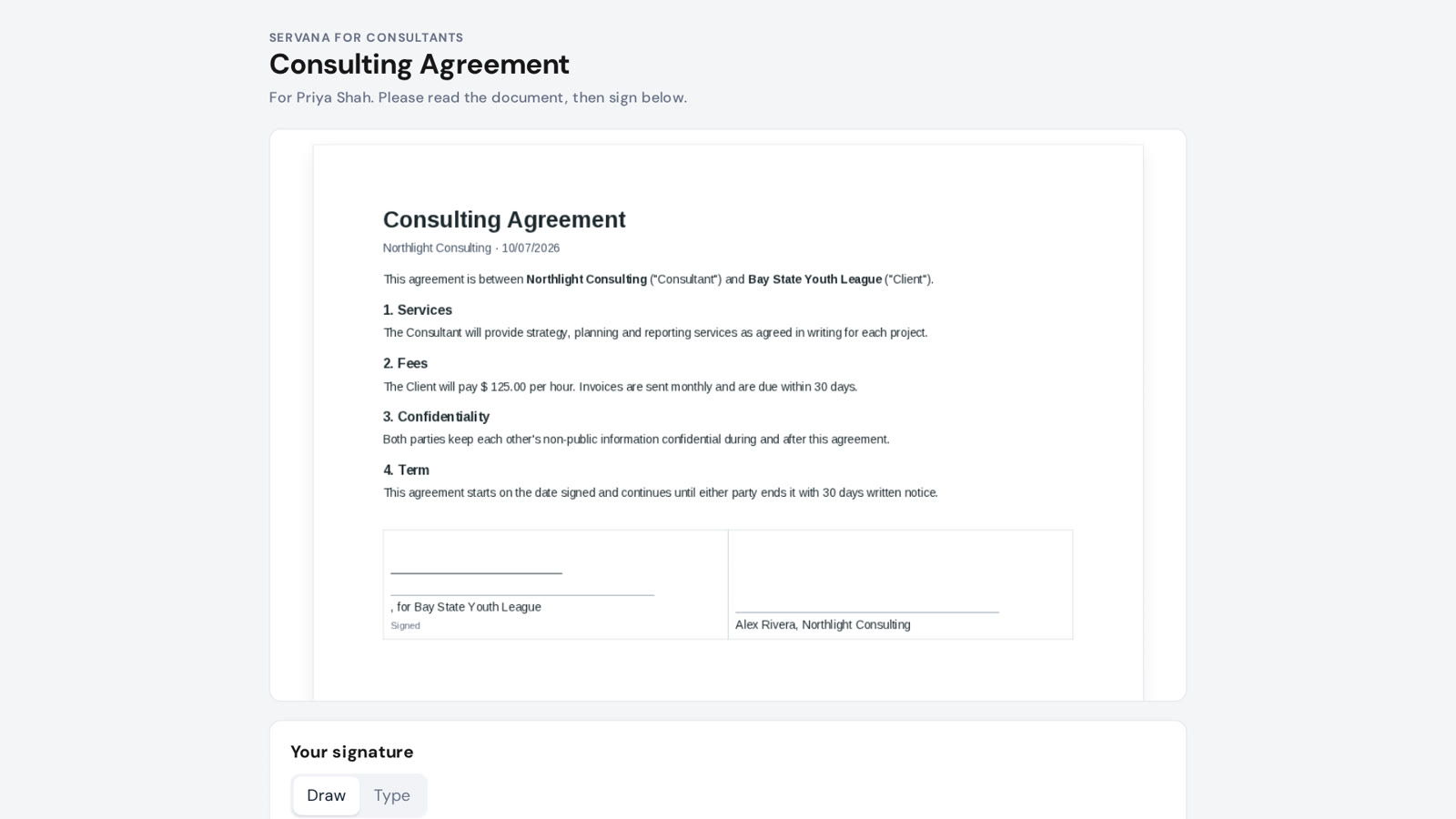
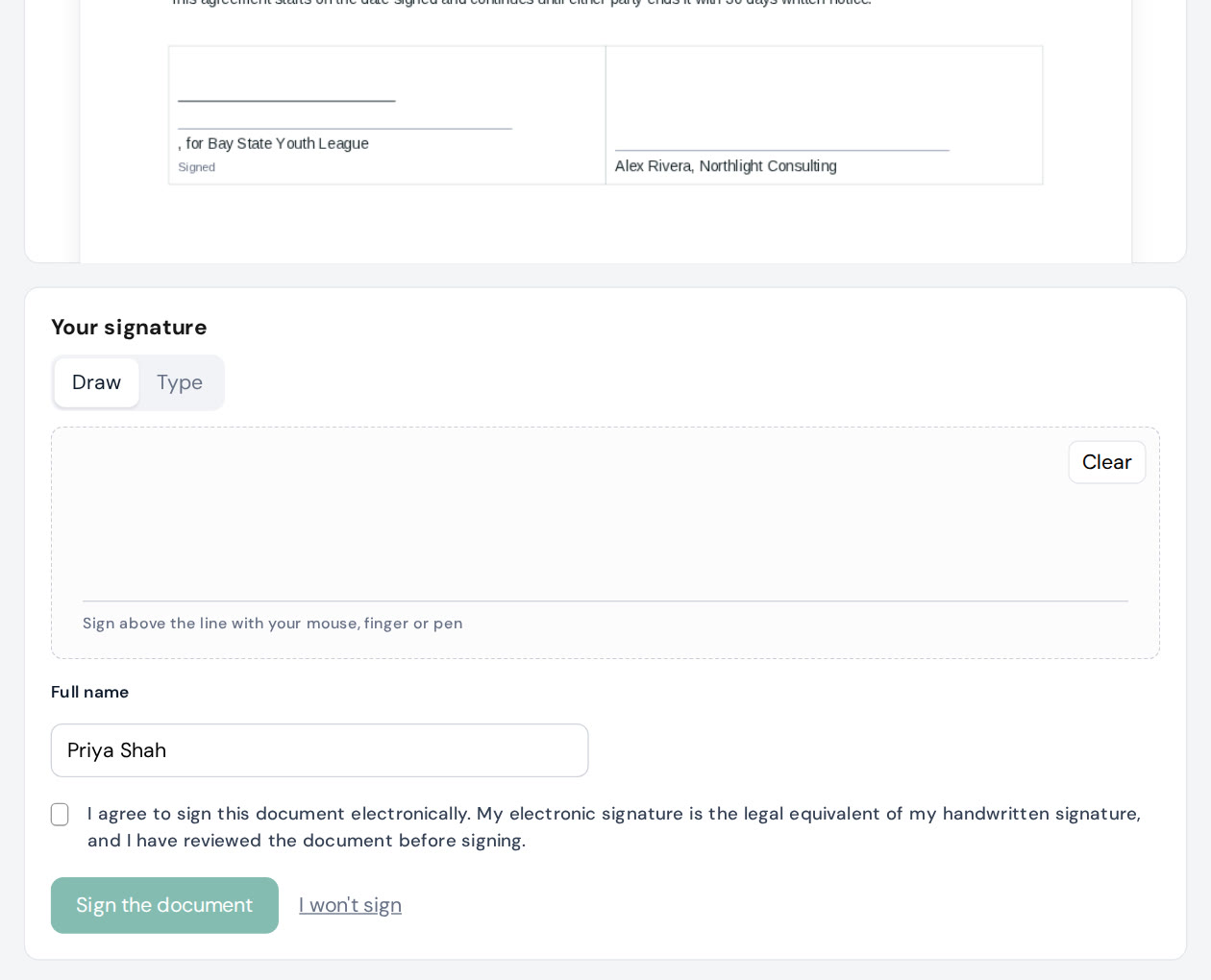
Signed online.
Send an agreement from any client. They sign on their phone, and the signed PDF is saved on the client with a time-stamped certificate.
Invoices from your hours.
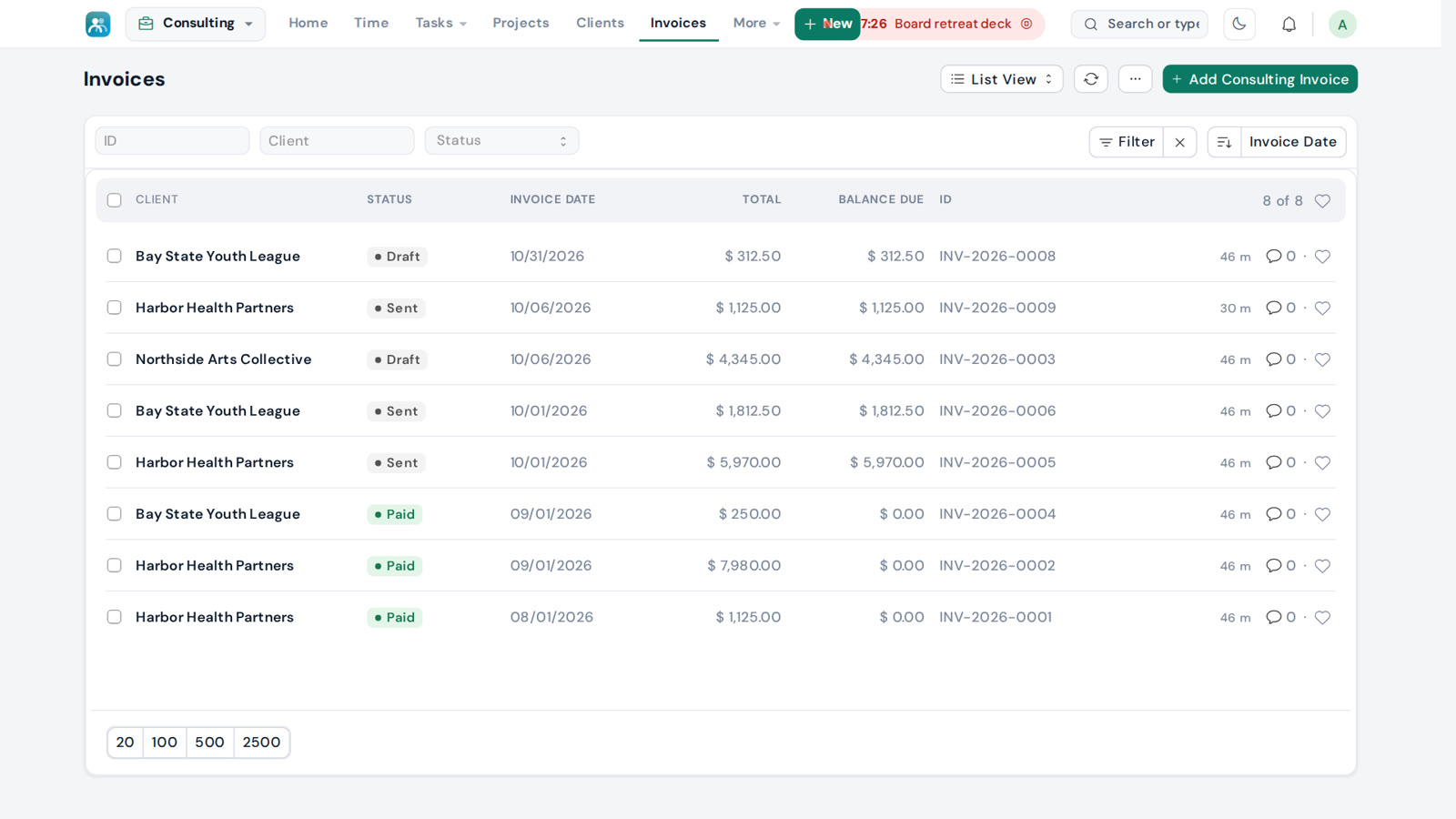
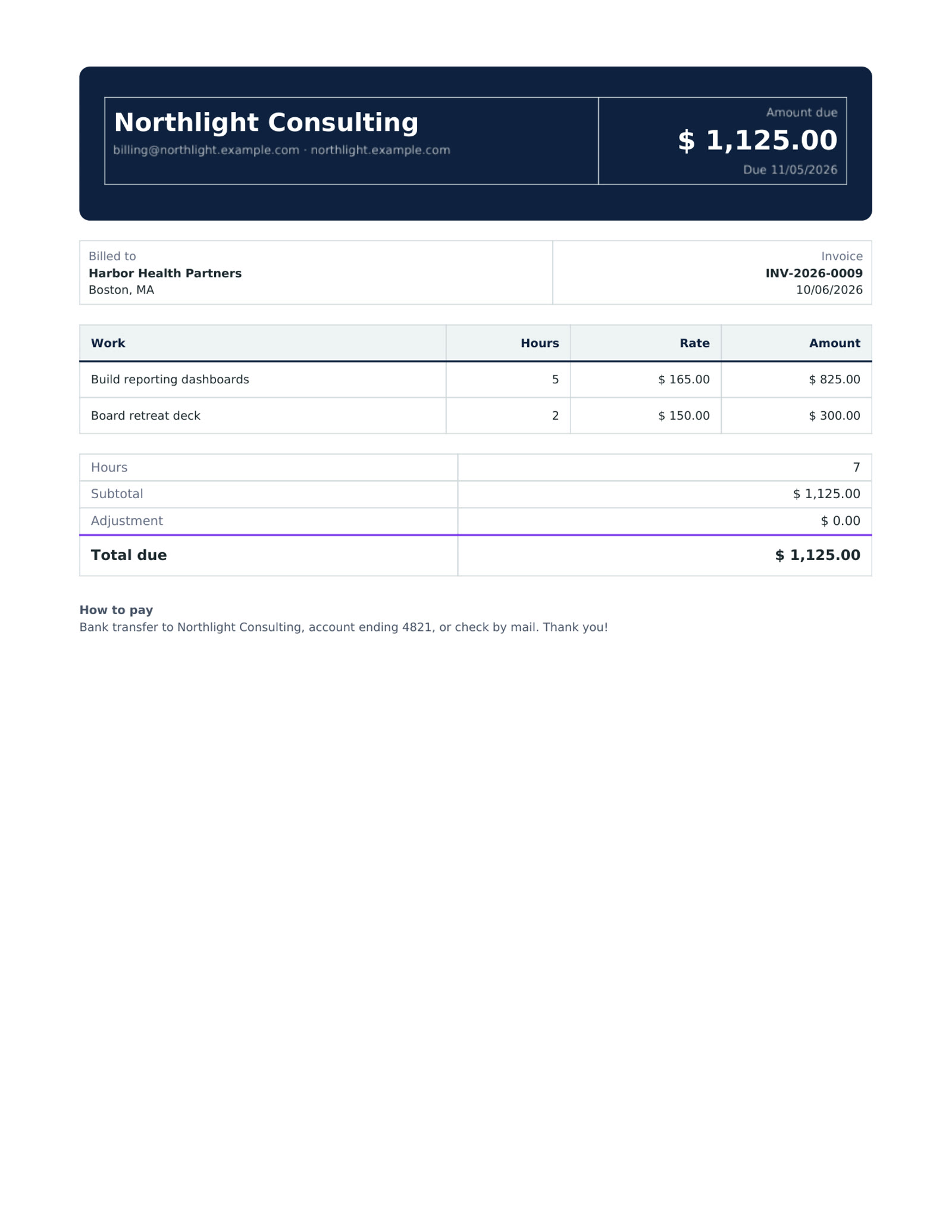
Pick the client and the dates, and the rows fill in from your logged time. Generate a PDF ready to share, record payments as they come in, and see what is still owed.
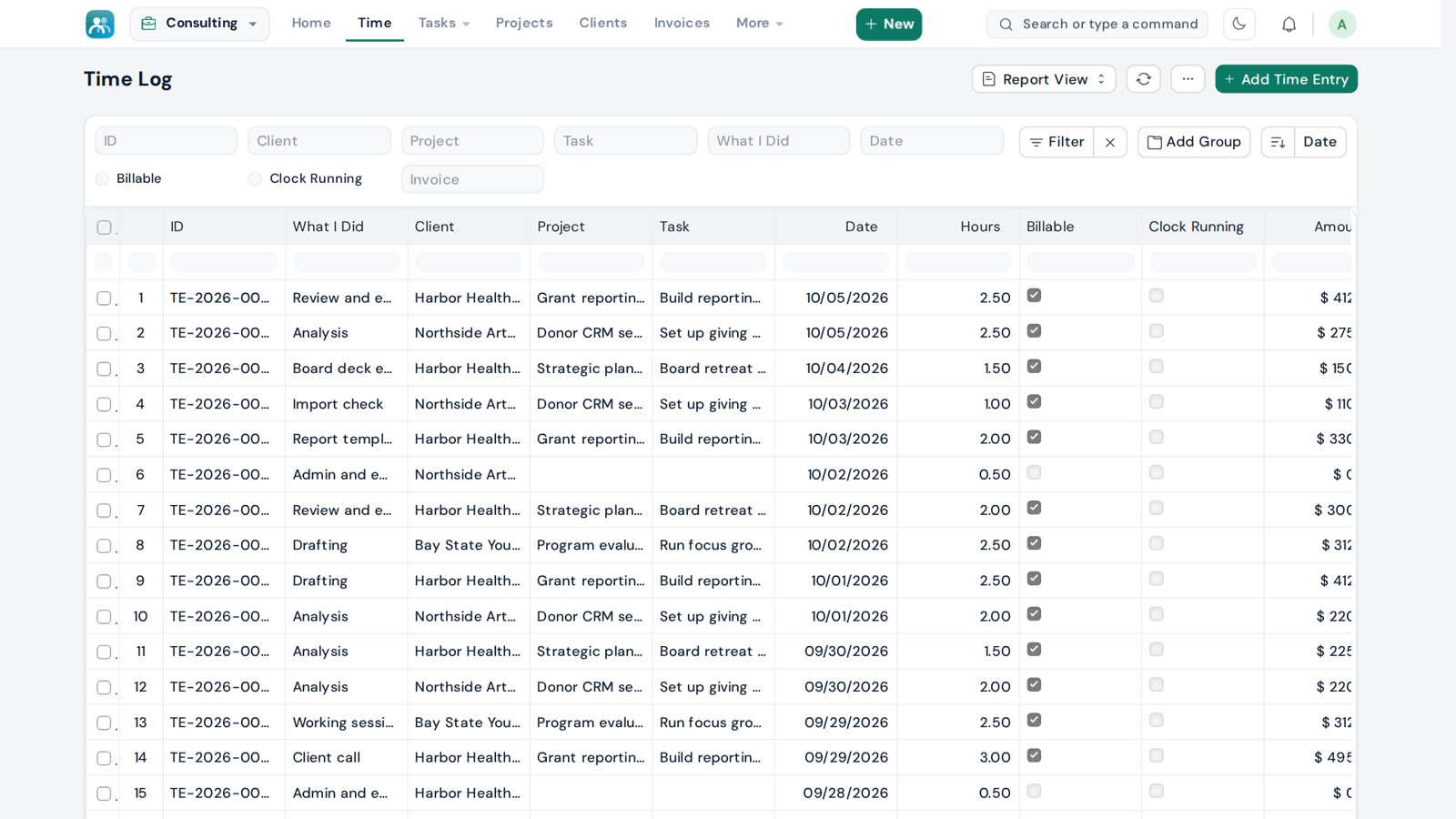
Customize your reports.
Your dashboard shows hours, money waiting to be paid and income for the year. Any list becomes a report: choose the columns, filter, group by client or project, and download it as a spreadsheet.
Three steps to paid.
Start the clock on a task or type your hours in. Billable time goes on that client's running invoice.
Monthly by default, or any dates you choose. Pick a design, generate the PDF and share the link.
Record each payment, partial or full. The invoice shows its balance until it is paid in full.
The rest of the toolkit.
A rate per client, or per project when it differs.
Three PDF designs. Set a default, or a different one per client.
The clock stays in the top bar while you work on other pages.
Hours used against the hours planned for each project.
Sign in with the account you already use.
Fix any entry, and its invoice updates while it is still a draft.
What you actually earn per hour, after non-billable time.
Works on a laptop, a tablet or a phone, in either theme.